
Stash Actions | Troubleshooting
When a workflow or an action fails to run as expected, the following steps may help to figure out where to look for errors.
Schema validation
As of Stash Runner v8.0.0 and above both workflows and actions are validated against a schema and will fail to run if they do not pass. Errors will be displayed:
- When browsing a workflow from the web interface (available in Stash v13.0.0 and above).
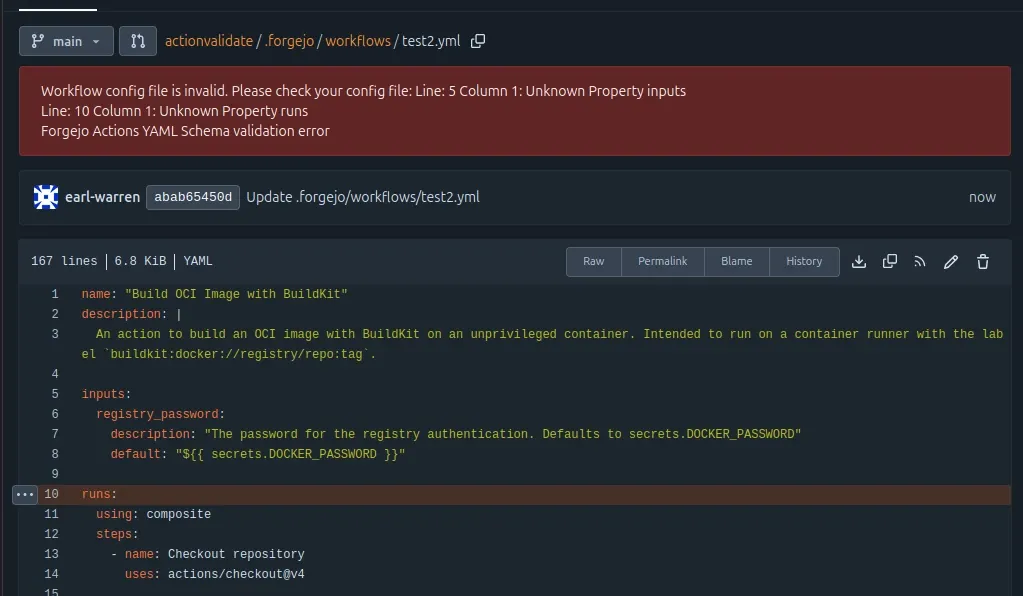
- In the list of actions, when hovering on the warning sign next to a workflow that fails schema validation (available in Stash v13.0.0 and above).

- In the logs of a workflow run, in the
Set up jobstep for an action used by the workflow (available in all Stash versions).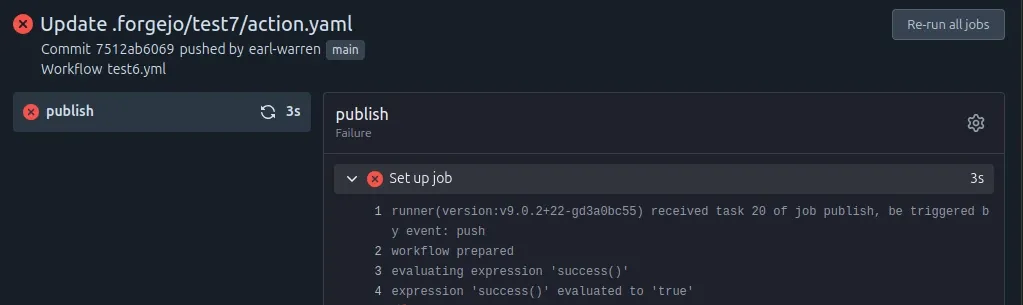
- In the logs of a workflow run, in the
Complete jobstep for an action used by an action (two levels of indirection) used by a workflow (available in all Stash versions).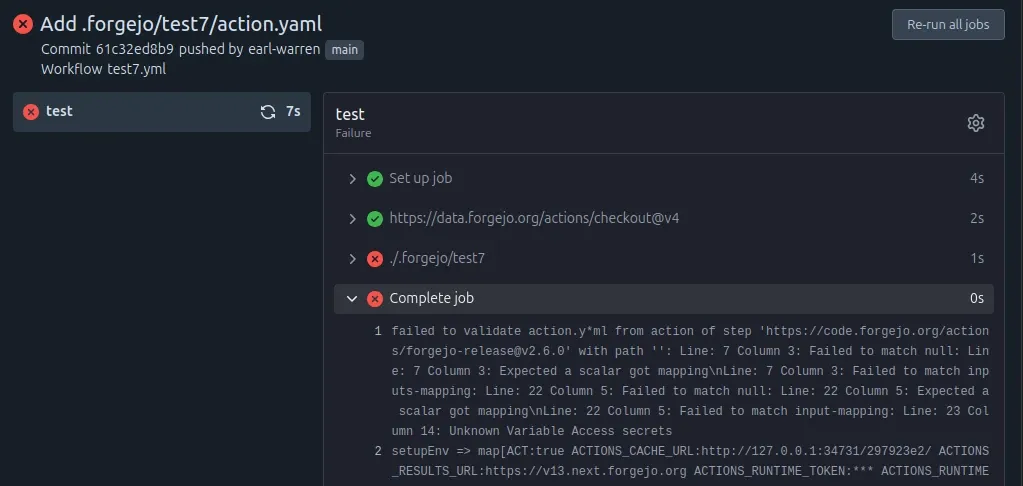
It is also possible to verify that the workflows and/or actions found in a repository successfully pass schema validation using the Stash Runner CLI (e.g. stash-runner validate --repository https://example.com/my/repo) (available in the Stash Runner v9.0.0 and above).
A pre-commit hook is also provided to help automate this, see Advanced features for more details.
Stash Runner logs
If the logs of the action displayed in the web UI are incomplete, it is worth looking into the logs of the Stash Runner itself.
Common Workflow Issues
Keep in mind the following caveats in case you have problems with your workflow:
Non-Standard Git Credentials in the workflow
Usually, actions/checkout creates git credentials for your workflow “on the fly” and inserts them into the git config (Example: http.https://codeberg.org/.extraheader=AUTHORIZATION: basic ***).
For Standard use cases, this is what you’ll probably want. However, if you need to interact with different repositories in your workflow (e.g. your private repositories, usually with renovate or similar tools), you may want to use different credentials like an API key with specific scope.
It might be possible that your custom git credentials are set correctly, but the “auto-generated” key from the git config is still preferred, leading to failures when interacting with other repositories.
To fix this, set persist-credentials to false in your checkout action’s configuration:
- uses: https://code.stash.org/actions/checkout@v7
  with:
    persist-credentials: false